
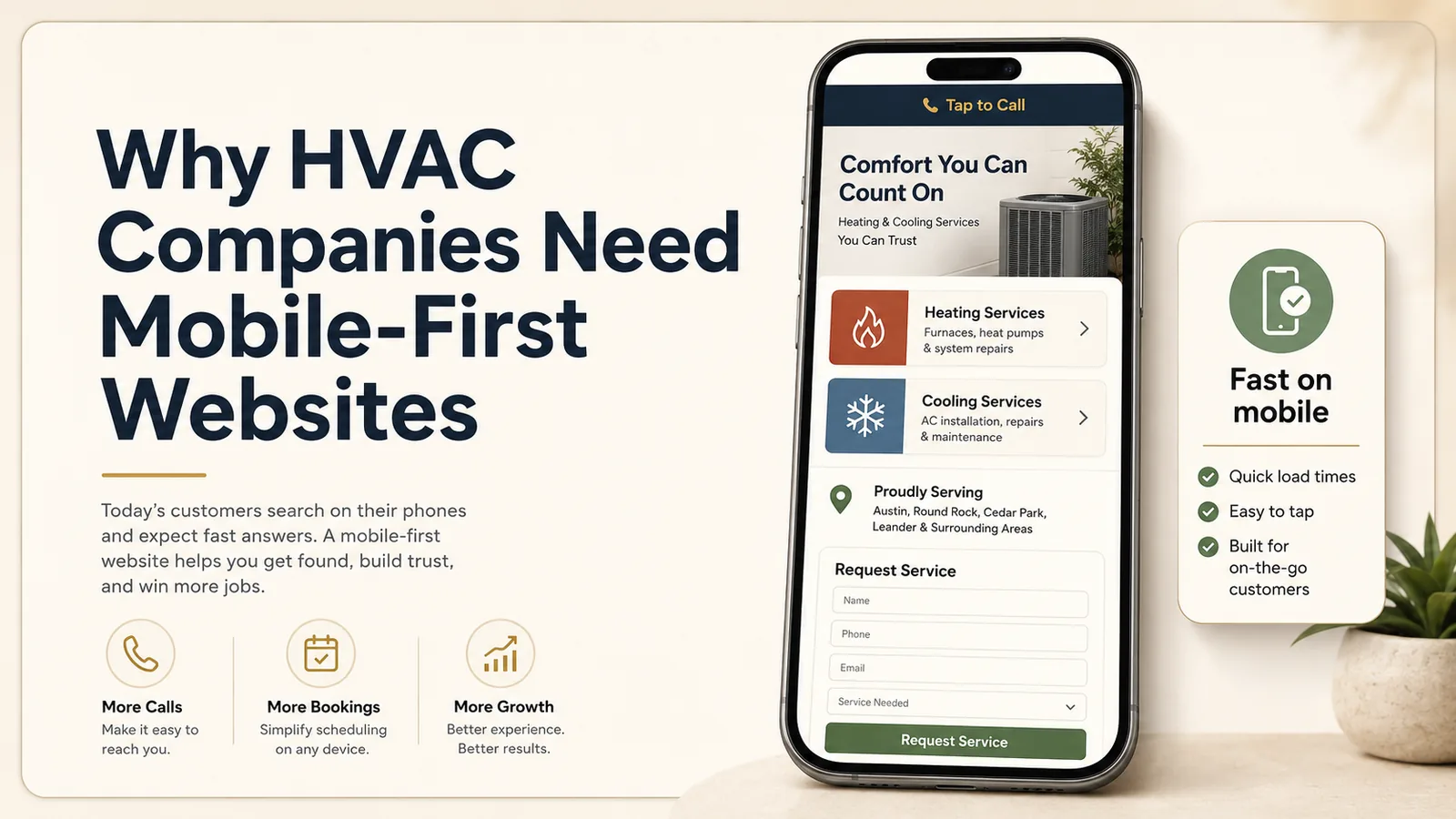
HVAC customers often visit a website when something is wrong.
The home may be too hot, the furnace may not start, the system may be making noise, or the customer may be comparing replacement options. In many cases, the search happens on a phone.
That makes mobile usability a core business issue, not a design preference.
A mobile-first HVAC website is planned around the smaller screen from the beginning. It prioritizes the information customers need most and removes obstacles between the search and the call.
Mobile customers are often under pressure
A desktop visitor may be researching a future replacement. A mobile visitor may be standing next to a failed thermostat or trying to find emergency service during extreme weather.
The website should support that situation.
The visitor should see:
- The company name
- HVAC services
- Service area
- Phone number
- Emergency availability
- Request-service button
These elements should appear quickly and clearly.
A mobile visitor should not have to pinch and zoom, dismiss large popups, wait for a background video, or scroll through a long brand story before finding the phone number.
Tap-to-call should be built into the header
The phone number should be visible and clickable.
For HVAC companies that provide emergency service, the call action may be the most important element on the page.
A persistent mobile call button can help, but it should not block other content or cover forms. The goal is convenience, not pressure.
The button text should be honest and specific:
- Call for HVAC service
- Schedule a repair
- Request a replacement estimate
- Emergency service
- Tap to call
Show heating and cooling services early
HVAC companies often provide multiple service categories.
The mobile homepage should make them easy to scan.
Examples:
- AC repair
- Furnace repair
- Heat pump service
- System replacement
- Ductless mini-splits
- Maintenance plans
- Indoor air quality
- Emergency HVAC service
Customers should be able to tap the relevant service and reach a focused page.
Separate repair, replacement, and maintenance
These visitors have different goals.
Repair customers
They need fast confirmation that you diagnose and repair the equipment type.
Replacement customers
They want information about options, estimates, efficiency, warranties, and financing.
Maintenance customers
They want plan details, scheduling, included services, and ongoing value.
Trying to combine everything into one long page creates confusion.
Dedicated pages make the mobile experience easier to navigate.
Keep forms short
An HVAC request form does not need to collect every detail before the first conversation.
Start with:
- Name
- Phone number
- Service needed
Optional fields can include email, system type, or a brief message.
Customers can provide model numbers, detailed symptoms, and scheduling preferences during follow-up.
A short form is especially useful on mobile, where typing is slower.
Use readable typography
Mobile text should be large enough to read comfortably.
Avoid tiny paragraphs, light gray text, long lines, all-capital body copy, dense blocks, and text placed over busy photos.
Break content into short sections with descriptive headings.
Customers scan before they read. The page should make that easy.
Optimize images and scripts
HVAC websites often include large hero photos, review widgets, chat tools, financing tools, scheduling tools, and tracking scripts.
Each addition can slow the site.
A mobile-first approach asks whether each element supports the customer’s goal.
Use properly sized images, modern formats, limited animation, efficient embeds, reliable hosting, and careful third-party integration.
A fast, simple page often creates a better customer experience than a visually complex one.
Show service areas without making customers search
The homepage should identify the main region immediately.
A clear line such as “Serving Edison, Woodbridge, Piscataway, and surrounding Central New Jersey communities” can answer an important question.
A full service-area page can provide more detail.
Avoid burying location information only on the contact page.
Build trust for replacement projects
Replacement work is a significant decision.
Mobile visitors should be able to find brands serviced or installed, financing availability, warranty information, certifications, installation process, review examples, replacement estimate process, and real project photos.
The information should be concise and organized.
A customer may read more later on desktop, but the mobile page should still provide enough confidence to request an estimate.
Make reviews mobile-friendly
Long review carousels can be frustrating on small screens.
Use short, readable testimonials that highlight fast diagnosis, clear communication, on-time arrival, respectful technicians, successful repairs, smooth replacement, and honest recommendations.
Provide a link to additional public reviews for customers who want more proof.
Explain emergency service accurately
If emergency service is offered, explain hours, geographic coverage, types of issues handled, how to contact the company, and whether after-hours pricing may differ if applicable.
Do not imply 24/7 availability unless the business actually provides it.
Clear expectations prevent frustration.
Track mobile conversions
Measure actions such as phone clicks, form submissions, schedule-button clicks, financing-page visits, service-page visits, and maintenance-plan inquiries.
This information helps identify which services and pages create demand.
It can also reveal mobile problems. If mobile traffic is high but calls are low, the contact path may be unclear.
Design around seasonality
HVAC demand changes throughout the year.
A flexible website can feature AC repair during summer, furnace service during winter, maintenance reminders in spring and fall, indoor air quality topics, heat pump information, seasonal promotions, and system replacement planning.
The website should allow important content to be updated without rebuilding the entire site.
Common mobile mistakes HVAC companies should avoid
- Phone number hidden in the menu
- Desktop-only layouts
- Large video backgrounds
- Forms with many required fields
- Chat widgets covering the call button
- Service-area information missing
- Slow review widgets
- Tiny financing text
- Popups appearing immediately
- Important services below several promotional sections
- Buttons too close together
- Broken scheduling embeds
Each issue creates friction at the moment a customer is deciding who to call.
The bottom line
Mobile-first design helps HVAC companies meet customers where they are.
It makes emergency contact easier, organizes services clearly, improves readability, and supports both repair and replacement leads.
The website should feel calm and simple even when the customer’s situation is not.
Make your HVAC website easier to use on every phone
Pak Tech Solutions builds mobile-first websites for HVAC companies and local service businesses. We create clear service paths, fast pages, tap-to-call actions, and short forms designed around real customer behavior.